Archdesk helps you save time each time you raise an Invoice or a Purchase Order by giving you the possibility to assign the preferred Nominal Code that will always be used for the Supplier / Customer / Sub-Contractor of your choice.
In order to customize the Nominal Codes for the Suppliers / Customers / Sub-Contractors:
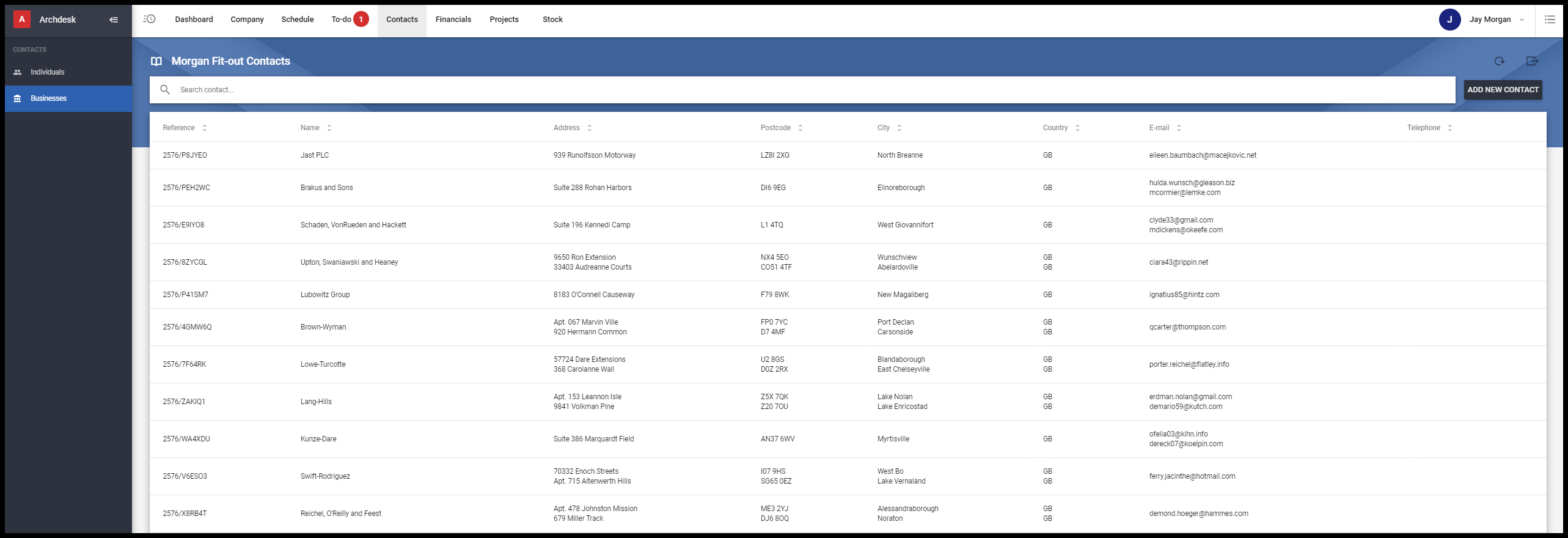
1. Find the Supplier you want in the Contacts > Businesses tab in the system and click on it.
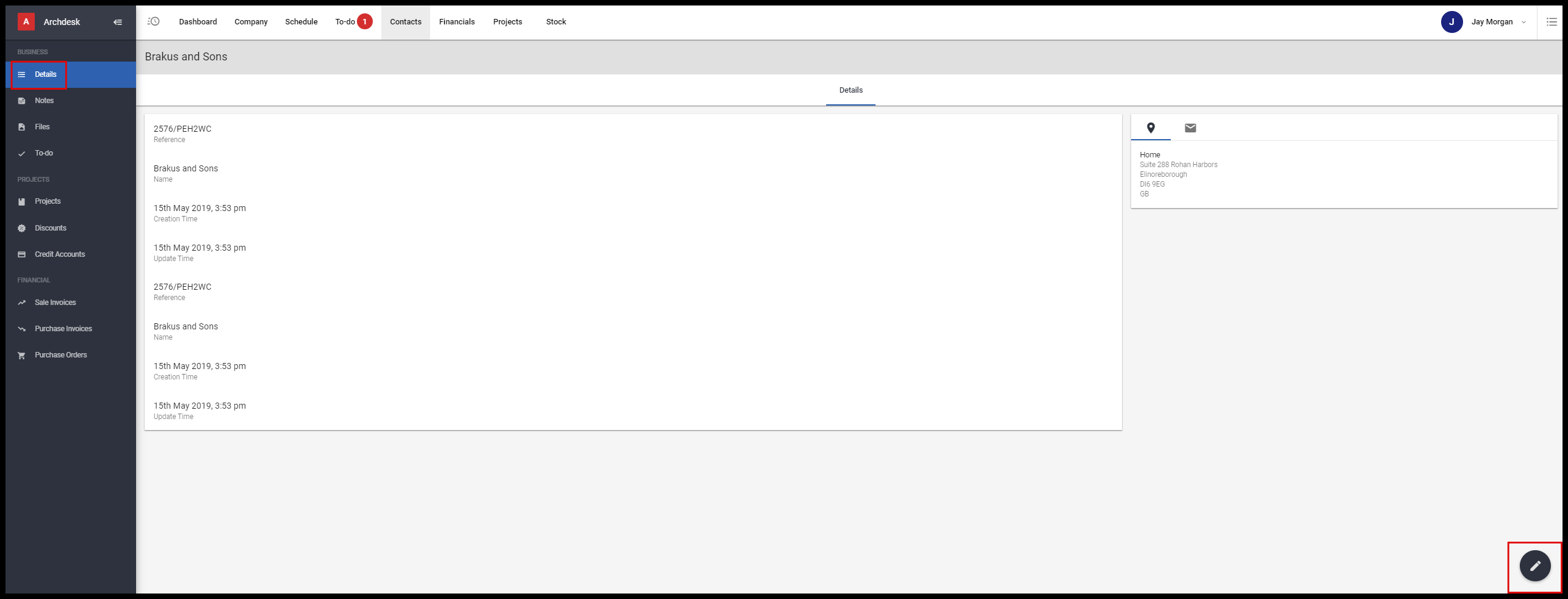
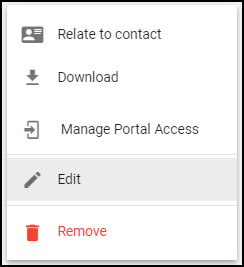
2. Once inside the Details section, click on the pencil icon in the bottom right corner and select Edit business.
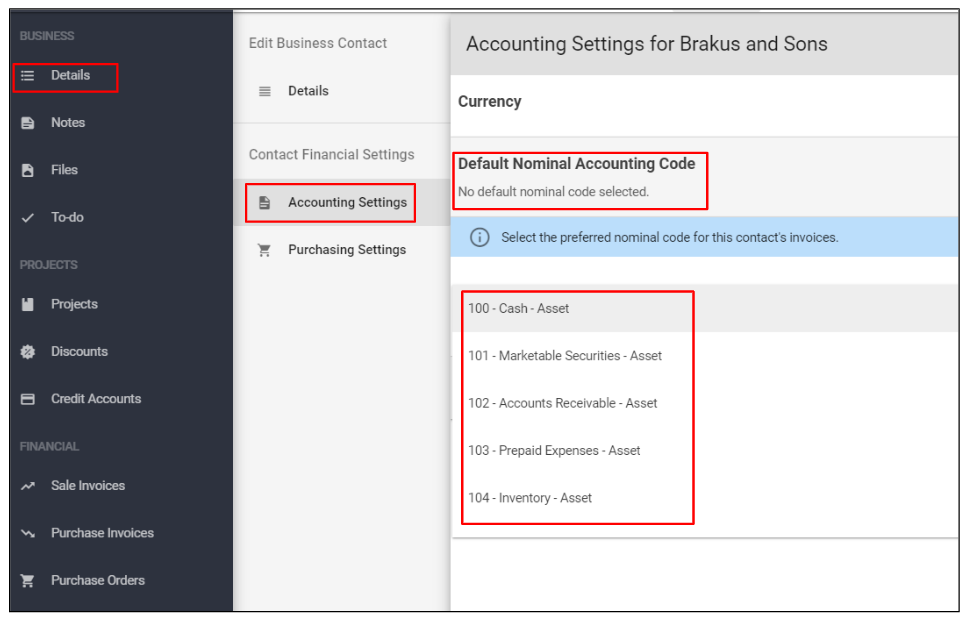
3. Go to Accounting Settings > click on Default Nominal Accounting Code and select the preferred Nominal Code for that specific Supplier from the accounts list and then Save the changes.
NOTE: You may have to scroll down the list to find the Nominal Code you are looking for.
Now, when you are issuing an invoice or PO, the system will automatically specify the nominal code for the Contact that you select from your contacts list.