In order to create a tender, you must first upload a quote with the specification of works for a potential supplier. Once your bill of quantity is confirmed by the designated person in your company, you can run a tender for chosen items within the quote.
To create a tender, use the Tender menu within the Quote and select Create Tender.
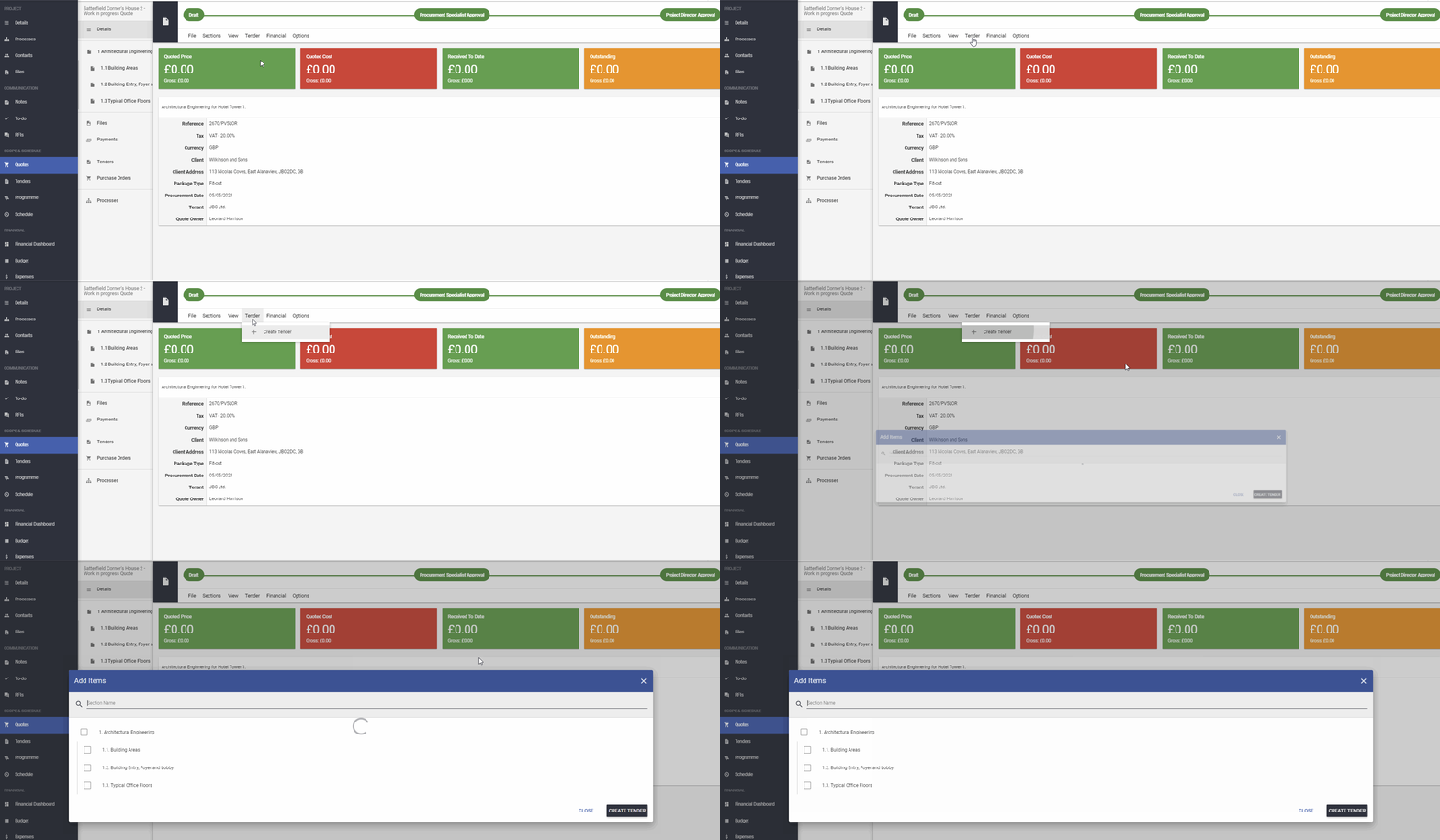
In the next step, you must select the items you want to include in that tender.
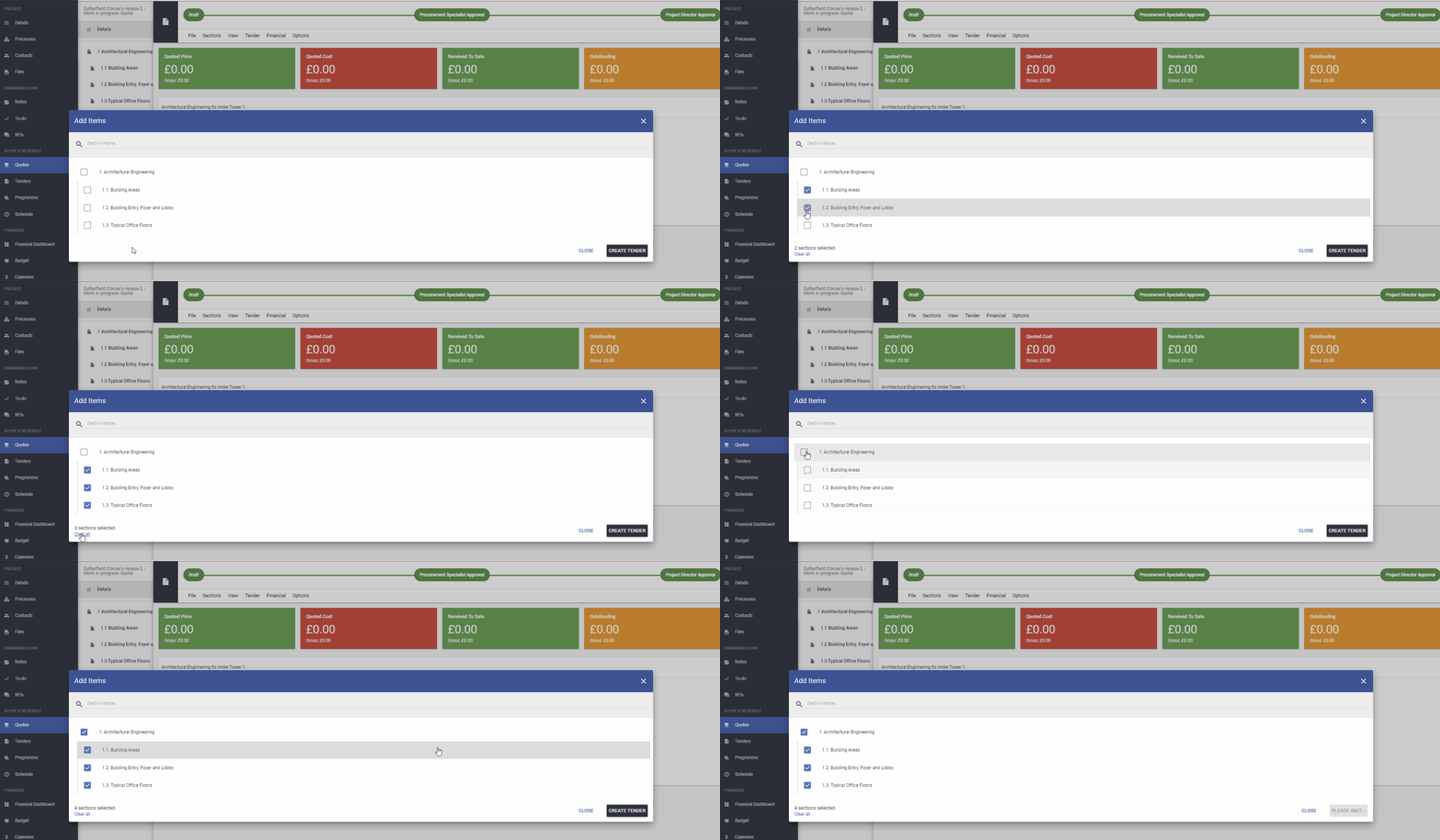
You can tick a few individual items or select the whole section. Once you select the right items, click CREATE TENDER.
When the tender is created you will be moved to the tender details page.
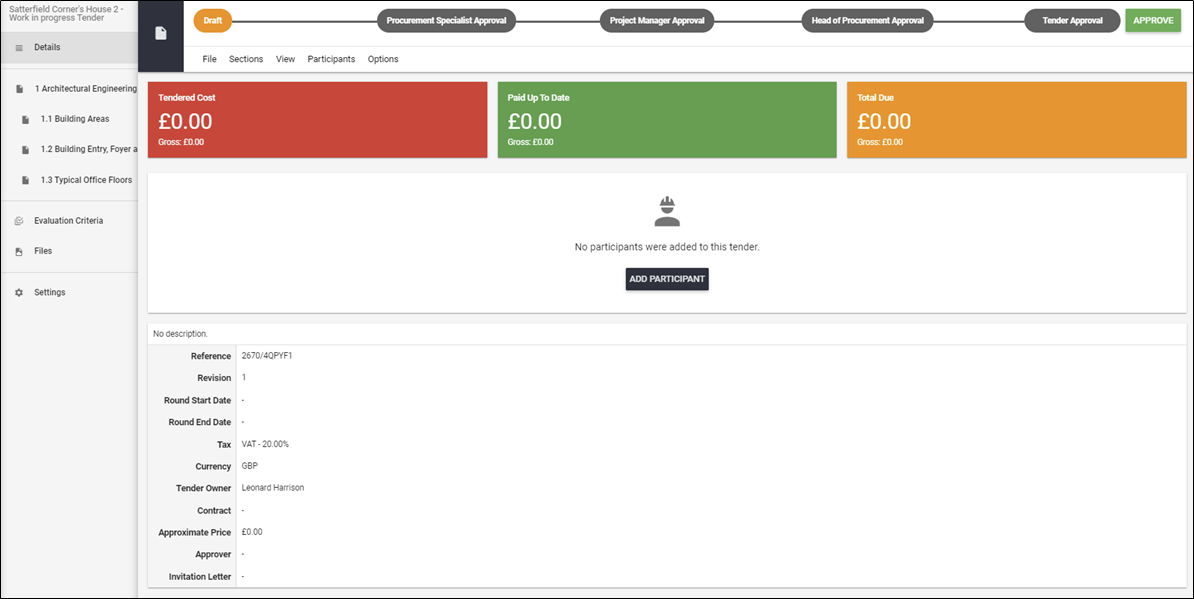
NOTE!!! If you would like to make any changes within the tender approval process or tender custom inputs, please reach us at support@archdesk.com.
At this stage, please check the specification of the items to make sure if you included the right items for the tender.
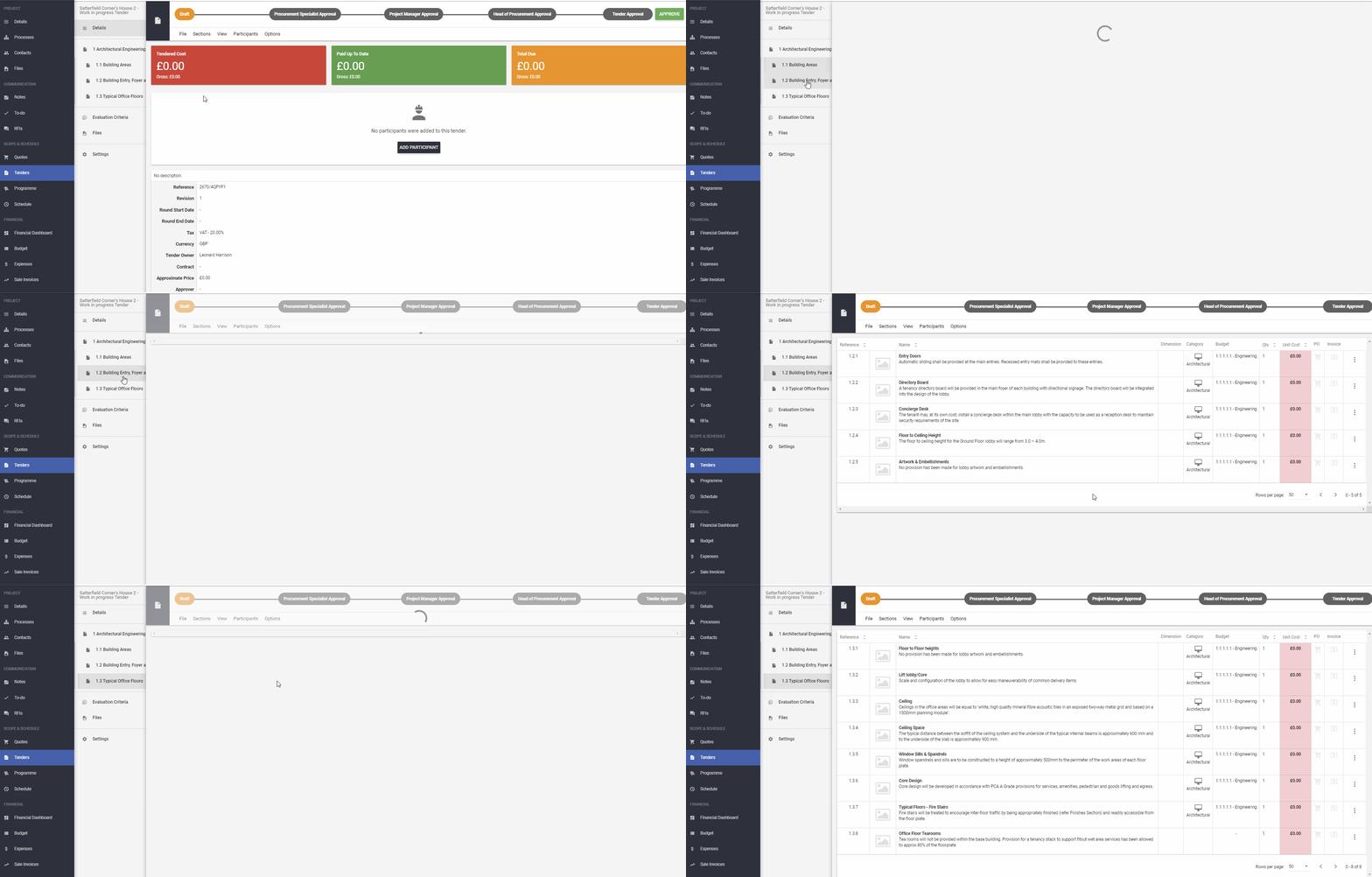
If any changes are needed, you must specify them on the Quote and run a new Tender.
When everything that's needed is included, you can start processing the tender and invite the participants.
If you would like to learn more about Archdesk Tendering Module, please read the Tendering Module Guide. If you still have any question, please contact us at support@archdesk.com