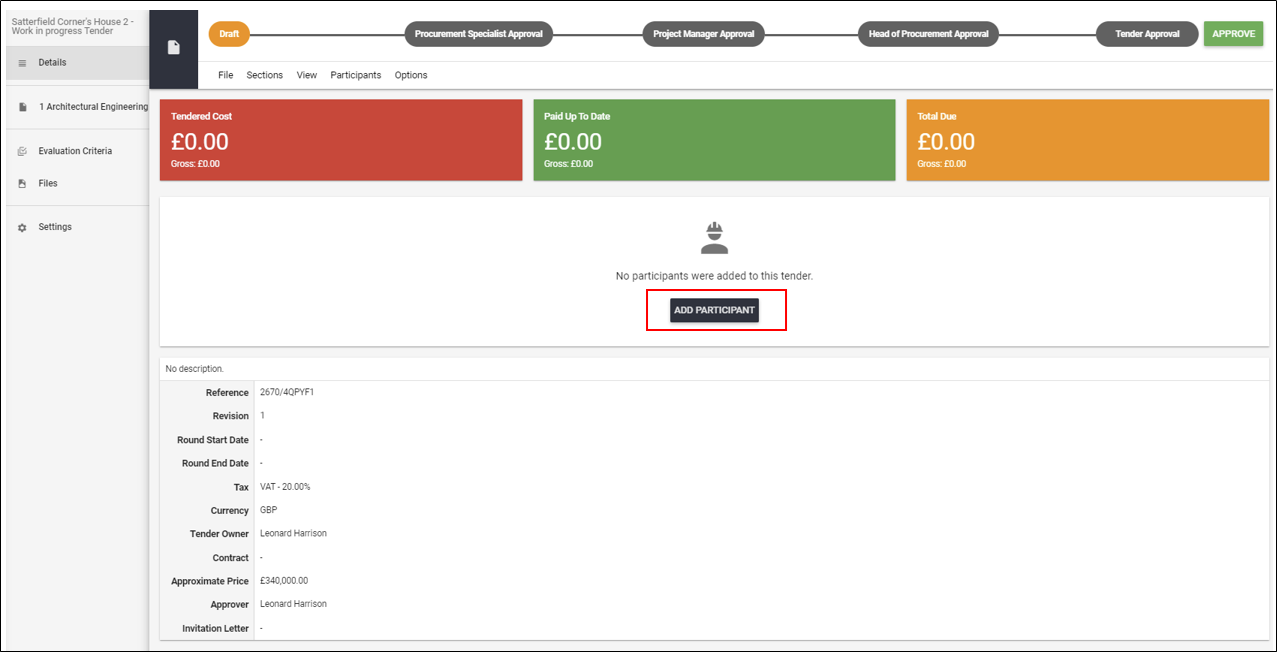
After a tender is created and all necessary data is added, you can add the tender's participants using the ADD PARTICIPANT button.
Now, select the Tender Participant you want to this tender and confirm hitting ADD.
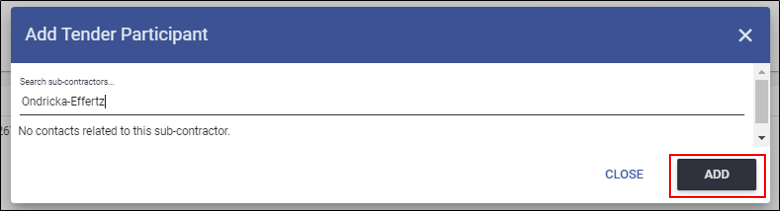
NOTE!!! You can search only for the contacts already existing in your database. If the supplier you want to add doesn't exist in your database, please add him as new contact at first.
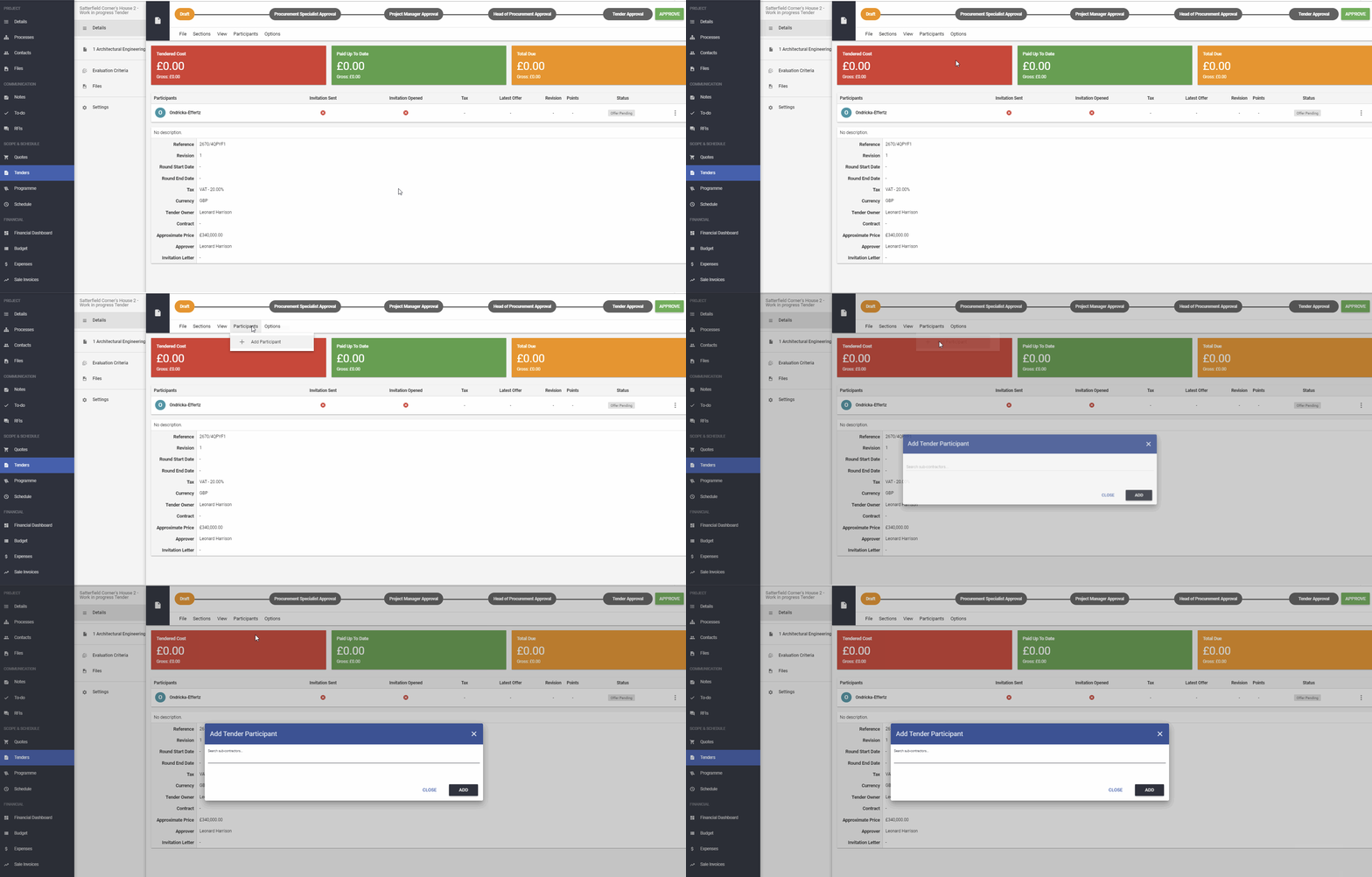
To add the next participant use Participants -> Add Participant and repeat the process.
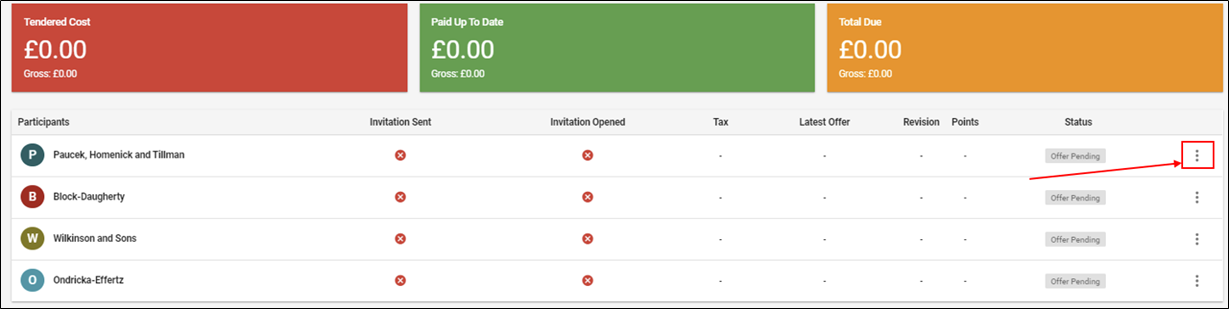
Once you add all participants to the tender, you will see them on the Participants list.
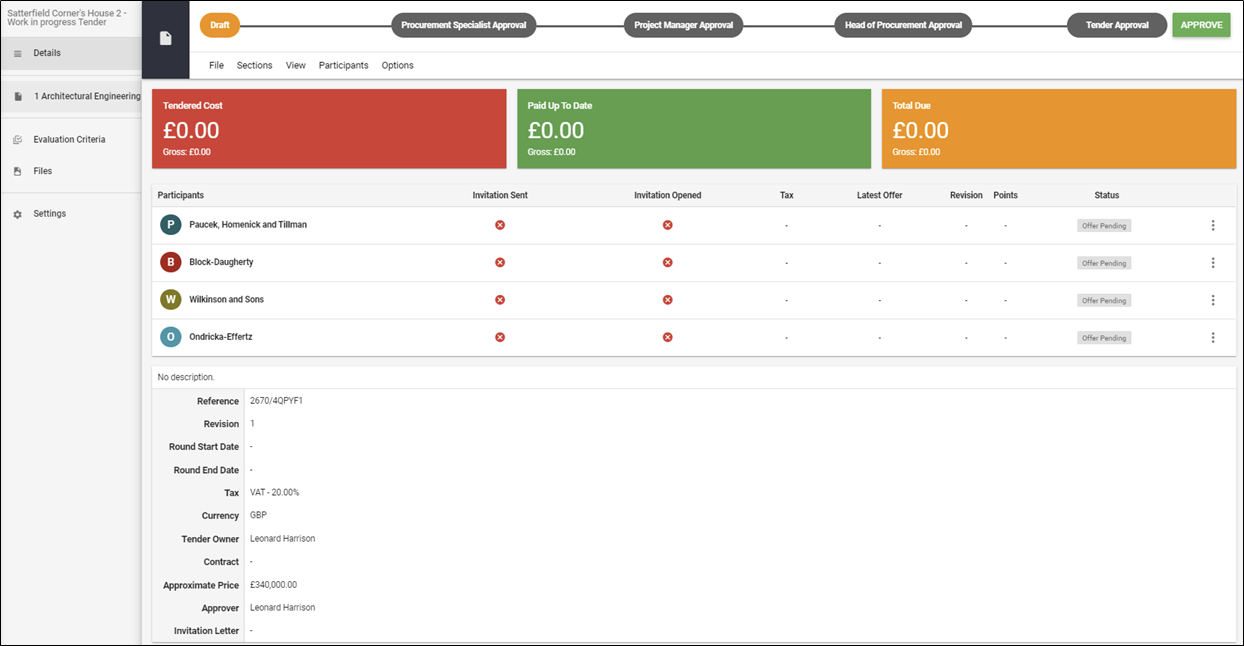
You can also remove the tender participant by clicking on the 3 dots next to his name.
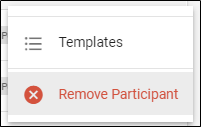
Next step: confirm the action by selecting Remove Participant.
NOTE!!! You can't remove a tender participant when a tender is moved out of a draft, however, you can decide who will be invited and who not in the later stages.
How to send an invitation of the Tender to the participant?
If you would like to learn more about Archdesk Tendering Module, please read the Tendering Module Guide. If you still have any question, please contact us at support@archdesk.com